DriverGenius · Documentation Hub
Every manual, data sheet and quick-start guide in one place.
Read the HTML manual directly in your browser, switch languages in one click, or download the official DriverGenius PDF. No account, no plug-ins.
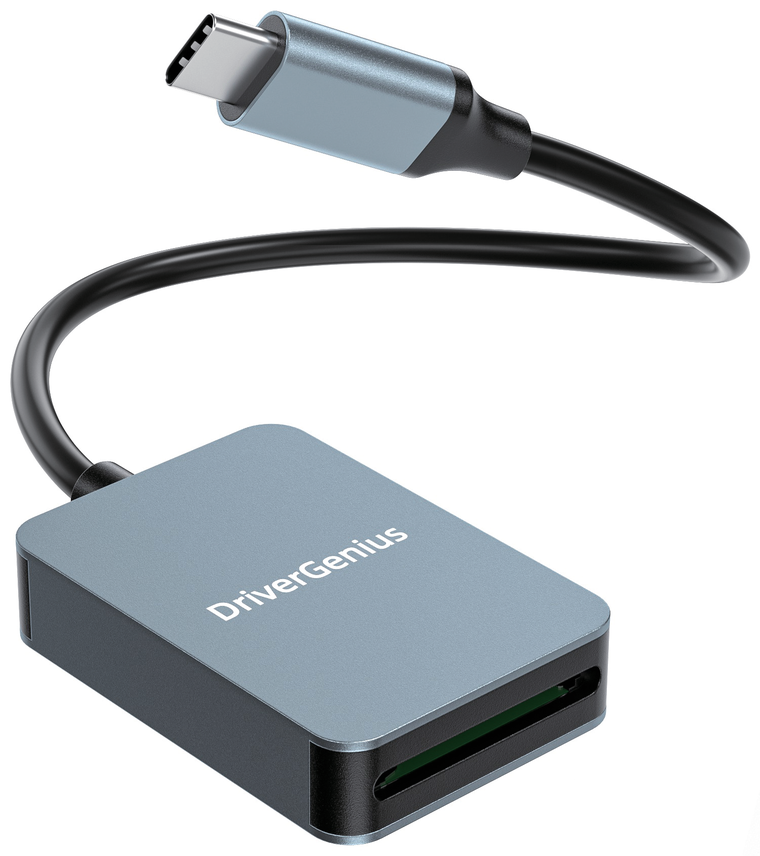
- Online HTML manuals
- Official PDF documents
- Multilingual editions
- Plug & play — no drivers
Manuals library
2 documents
No matching document. Try a different model number or clear the search.
02 · Support
Documentation that keeps up with your workflow.
Every DriverGenius product ships with a printed quick-start guide. This hub keeps the full manual, the current data sheet and the latest language editions together, so the version you open is always the version we ship today.
Product support
Warranty questions, compatibility checks or a missing language edition — our team answers in English, German, French, Spanish, Italian and Japanese.
support@vtop.shopPlease include the model number and a copy of your invoice.
Latest editions
Manuals and data sheets are revised without notice as products are updated.
www.vtop.shop ↗DriverGenius is a trademark of VTOP INDUSTRY LIMITED.
03 · FAQ
Answers before you start.
Short notes on formats, languages and file compatibility.
What is the difference between the HTML manual and the PDF?
The HTML manual is a reflowable version of the printed guide: it adapts to phones and tablets and can be searched by your browser. The PDF is the official document exactly as published — best for printing, archiving or attaching to a support ticket.
How do I change the language?
Open a product manual and use the language selector in the left panel. Both the HTML manual and the PDF data sheet switch to the edition you choose.
The PDF preview stays blank. What can I do?
The PDF reader loads a rendering library from a CDN. If your network blocks it, use the download button and open the file with a local PDF reader such as Acrobat, Preview or Edge.
My card reader is not detected — where do I start?
Check the manual's troubleshooting section first: try another USB-C port, confirm the card is seated fully, and verify the card is formatted with a file system your operating system supports (exFAT for SDXC). If the reader still does not appear, contact support with your model number.